
Phantom Blade Zero update 1.0304629: Combat Assist, camera fix, less memory
 By Rhea MalhotraDigital Life Writer, Peepals Yuva
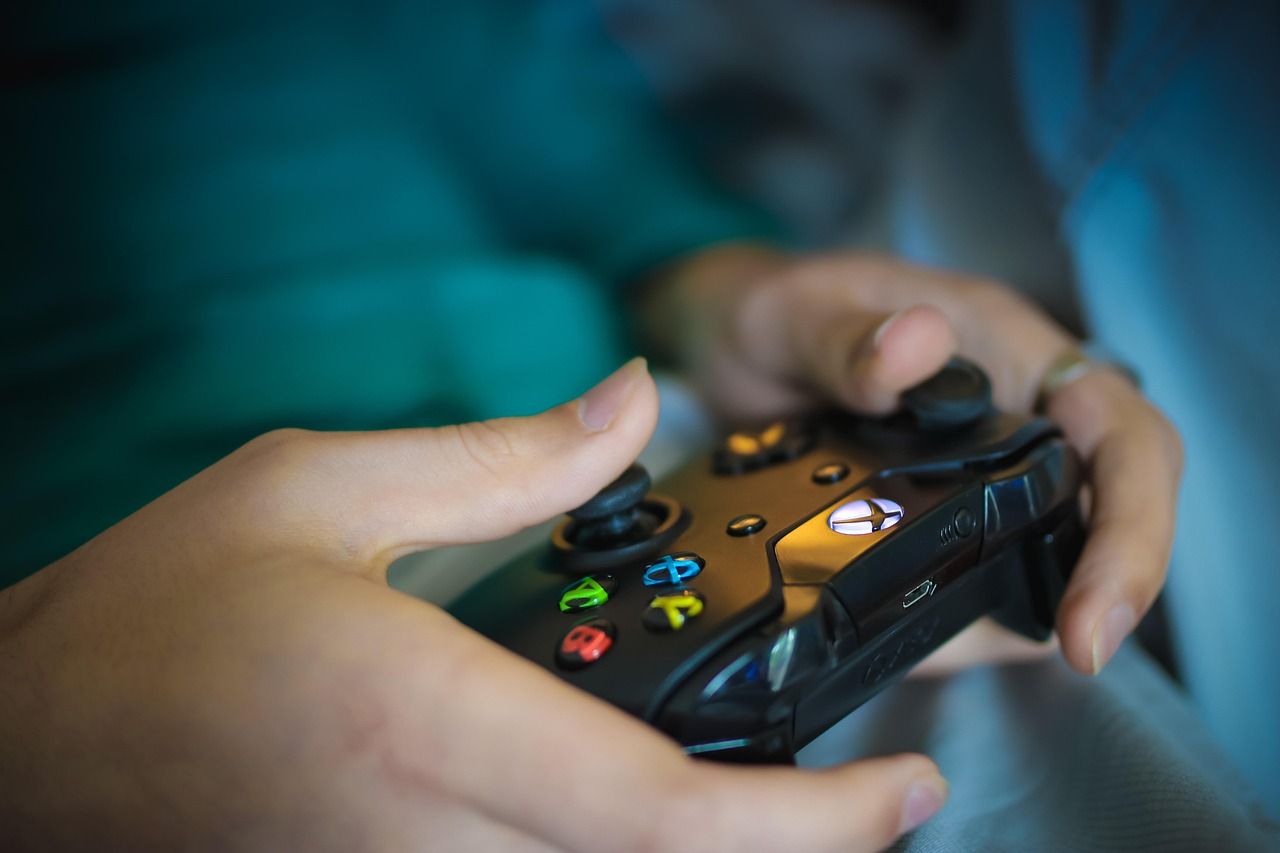
Representative image: Olichel / Pixabay
Phantom Blade Zero's 7 GB update 1.0304629, dated 28 November 2026, adds Combat Assist camera settings, cuts memory use and fixes boss and quest bugs.
Phantom Blade Zero update: what happened
The makers of the action game Phantom Blade Zero have released update 1.0304629, a patch of about 7 GB dated Saturday, 28 November 2026, according to the official patch notes published on the game's Steam news page. The update adds a new Combat Assist section in the settings, including an Automatic Strong Camera Assist option, gives PC players a new lock-on setting for the mouse, reduces how much memory the game uses, and fixes a list of combat, quest and reward bugs.
Phantom Blade Zero update: key facts
- Size: about 7 GB, listed for 28 November 2026.
- New Combat Assist settings: the Automatic Strong Camera Assist toggle controls how strongly the camera follows the action. With it turned off, strong camera assist works only while you are attacking, and at other times the camera adjusts only slightly.
- PC: a new Mouse Lock-On Target Switching Sensitivity setting lets players tune how the mouse switches between locked-on enemies; setting it to zero turns switching off.
- Performance: the notes say memory use is lower, mainly in cutscenes and snowy areas, but give no frame-rate or video-memory figures.
- Combat fixes include bosses that stopped acting, enemies that stayed invisible after a bell reset, and the War Wagon's Earthshaking Slam, which now deals damage once per activation.
- Bugs that blocked quests or left out rewards are also fixed.
Phantom Blade Zero update: why it matters
Camera control is one of the most common complaints in fast action games. When the camera swings too hard toward enemies, players can lose track of where they are; when it does too little, they can lose the enemy. A toggle that limits strong camera help to moments of attack gives players a choice between the two, which is the kind of setting fans often ask for after a game's launch.
The PC lock-on option fixes a similar problem for mouse players. With a mouse, small movements can make the game jump from one locked enemy to another by accident. Letting players lower the sensitivity, or switch it off, gives them more control in fights with several enemies.
The memory changes matter for players with less powerful systems. Lower memory use in heavy scenes such as cutscenes and snowy areas can reduce stutters and crashes, though the developers have not published figures to show how much difference it makes.
The bug fixes are the most important part for anyone stuck in the game. A boss that stops acting, an invisible enemy or a quest that cannot be finished can halt progress completely. Fixing these, and making sure rewards are given correctly, is what keeps players going after the first weeks of a release.
For young players in India on limited data plans, the 7 GB size is worth noting: the download needs a stable connection and enough free storage before it can install.
Peepals calculation: A 7 GB download on a home broadband line at 50 megabits per second would take about 19 minutes (7 × 8,000 = 56,000 megabits; 56,000 ÷ 50 = 1,120 seconds ≈ 18.7 minutes). On a 20 megabits per second connection, the same download would take about 47 minutes (56,000 ÷ 20 = 2,800 seconds ≈ 46.7 minutes). Our calculation from the reported size, using example connection speeds.
| Change | What it does |
|---|---|
| Automatic Strong Camera Assist | Lets players limit strong camera help to attacks |
| Mouse lock-on sensitivity (PC) | Tunes or disables lock-on target switching |
| Memory use | Lower, mainly in cutscenes and snowy areas |
| Combat and quest fixes | Stuck bosses, invisible enemies, War Wagon damage, quest and reward bugs |
Phantom Blade Zero update: impact
Short-term: Players who had camera trouble or were blocked by bugs can download the patch and try the new settings straight away.
Long-term: Regular fixes and added options after launch help keep a single-player action game's community active and improve its reputation with new buyers.
Who is affected: Phantom Blade Zero players on PS5 and PC, especially those who had camera, lock-on or quest problems, and players with less powerful machines.
Phantom Blade Zero update: key takeaway
If Phantom Blade Zero's camera has bothered you, install update 1.0304629 and try the Automatic Strong Camera Assist toggle in the new Combat Assist settings.
Phantom Blade Zero update: questions and answers
What is new in Phantom Blade Zero update 1.0304629?
A Combat Assist settings section with an Automatic Strong Camera Assist toggle, a mouse lock-on sensitivity setting on PC, lower memory use and fixes for combat, quest and reward bugs.
How big is the Phantom Blade Zero patch?
About 7 GB.
What does the Automatic Strong Camera Assist toggle do?
When it is off, the strong camera assist works only while you attack, and the camera moves only slightly the rest of the time.
Does the update improve performance?
The notes say memory use is reduced, mainly in cutscenes and snowy areas, but they do not give frame-rate figures.
Disclaimer: Prepared by the Peepals newsroom from publicly available sources with AI assistance. Information is accurate to the best of our knowledge at the time of publication and may change. Images may be representative. Not professional advice. Report an error via our contact page.
By Rhea Malhotra, Digital Life WriterCovers Digital Life and more for Peepals Yuva. All stories by Rhea Malhotra
BIMSTEC U23 athletics: India top table with 47 medals, 22 golds
Budget 2027-28: students get first pre-Budget meeting with Sitharaman
Your week ahead, every Sunday. Free.
Exam and result dates, IPOs opening, scheme deadlines, government holidays and the RBI decision for the next 7 days, plus the week's top stories. One email a week, unsubscribe in one click.
Rhea Malhotra is a pen name of the Peepals Global Editorial Team, which researches, fact-checks and publishes every story. The portrait is an illustration.
Responsible for this story: the Peepals Global Editorial Team. How we report